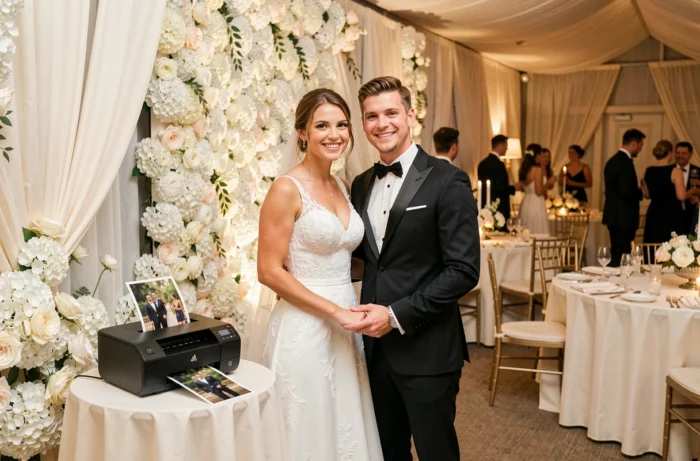
At a wedding, a photobooth can produce dozens, sometimes hundreds, of prints in just a few hours. The printer you choose directly affects what guests take home: a crisp, dry keepsake or a blurry photo that sticks to their fingers. Understanding the differences between printing technologies helps you avoid unpleasant surprises on the big day.
Dye-sublimation or inkjet: what makes the difference for a wedding photobooth?
Before comparing models, it’s important to understand why not every printer is suitable for event use. The key distinction is between two technologies: dye-sublimation and inkjet.
Dye-sublimation heats a ribbon, transferring pigments directly onto the paper layer by layer. The print comes out dry and ready to handle. A dye-sublimation print is resistant to water and fingerprints, which matters when guests slip it into a pocket or a still-damp guest book.
Inkjet printers spray tiny droplets of liquid ink onto the paper. The results can offer an excellent color range, but they take time to dry. At a fast-paced event, that delay becomes a real problem: guests have to wait, and the line gets longer.
Another often-overlooked issue is downtime between events. An inkjet printer left unused for several weeks may develop clogged nozzles. The cleaning cycle uses ink and delays setup. By contrast, a dye-sublimation printer starts up again without purging or calibration, even after spending a month in its flight case.
For a wedding photobooth, where speed and reliability are top priorities, dye-sublimation is the clear choice in most cases. It’s worth deciding between the two technologies early, as this affects your budget, consumables, and print format. Choosing a printer for your photobooth that suits the event’s volume helps you avoid a lot of problems.
Actual print speed: why the advertised figure isn’t enough
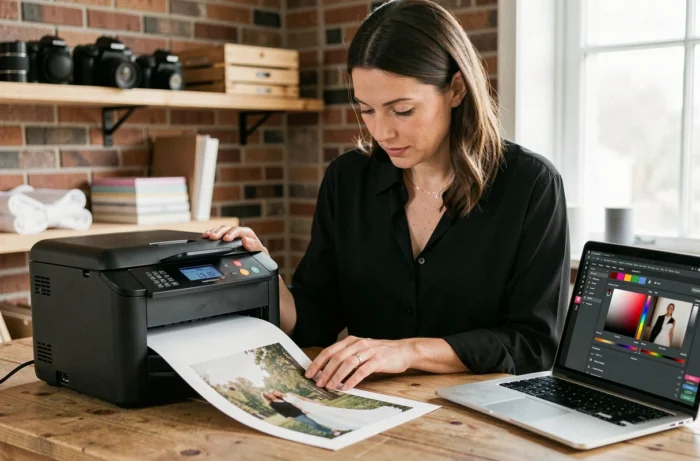
Manufacturers quote print times measured under ideal conditions, with a file ready to go and printing running continuously. In practice, the entire process takes longer.
Several steps add time between taking the photo and handing it to the guest:
- Transferring the file from the photobooth software to the printer, depending on the connection (USB or Wi-Fi) and image file size
- The time guests take to choose a template or filter, which varies from person to person
- Reprint requests, which are common when a group of four wants a copy each
- Reloading the paper or ribbon during the evening, which can interrupt printing for several minutes
Testing the entire process before the wedding is essential. A printer advertised as fast can lose that advantage if the software or connection slows things down. Measure the actual time between handing out prints, not just the printer’s speed alone.
The risk of running out of supplies in the middle of the evening
With a dye-sublimation printer, the paper and ribbon are used as a set. When one runs out, so does the other. Capacity varies by model and format: larger prints use more ribbon per photo, reducing the number of prints per roll.
Before the wedding, estimate how many prints you’ll need. Bring at least one extra set of consumables so the entertainment doesn’t have to stop when the party is in full swing. A quick reload also takes practice: handling the roll for the first time in front of a queue isn’t ideal.
Print size and finish: choosing the right option for your wedding style
The standard photobooth print size is 10 x 15 cm, the same as a regular photo. Some weddings call for more unusual formats, such as vertical strips in a retro photo-booth style or larger prints in 13 x 18 cm or 15 x 20 cm.
Not all printers offer the same formats. Some models are limited to 10 x 15 cm, while others support multiple sizes with interchangeable consumables. You should decide on the print format before buying a printer, as it determines which model to choose and how much paper to stock.
Polaroid and instant cameras: an alternative with limitations
Polaroid and Instax cameras appeal to couples for their retro look and the fun of watching a photo gradually appear. This option works well for an intimate wedding with around thirty guests.
For a large wedding, the limitations quickly become apparent. The cost per print is significantly higher than with a dye-sublimation printer. Image quality depends heavily on the ambient light. Most importantly, there’s no option to reprint: each shot is unique, which can be a problem when a group wants multiple copies.
Budget and cost per print: the calculation few couples make
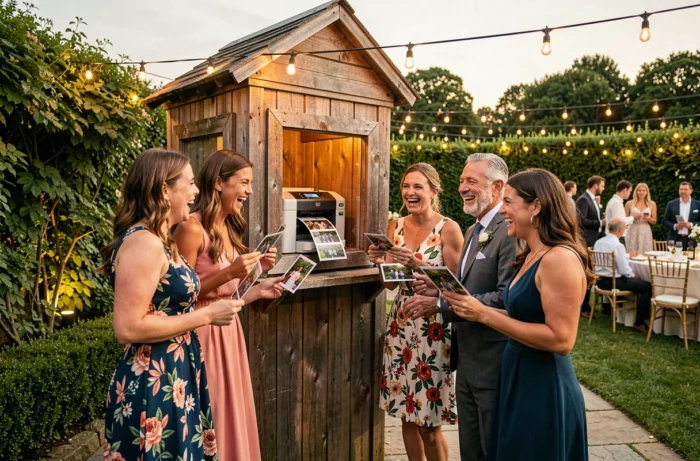
The printer’s purchase price is only part of the budget. The real measure is the cost per print, including the paper and ribbon used for each photo.
For dye-sublimation photobooth printers, this cost falls within a predictable range because consumables are sold in pre-measured sets. With inkjet printers, costs vary more depending on ink coverage and the type of paper used.
For a medium-sized wedding, the difference in cost per print, multiplied by the total number of photos, can make a significant difference to the overall budget. A cheap entry-level model that uses a lot of consumables can end up costing more than a professional model whose cost is spread across a higher volume of prints.
One final thing to check: whether consumables are readily available. Some models use paper and ribbon that are easy to find in France, while others require an order with a delivery lead time. Check that replacement supplies are available several weeks before the wedding. A printer without consumables on the big day means a silent photobooth.