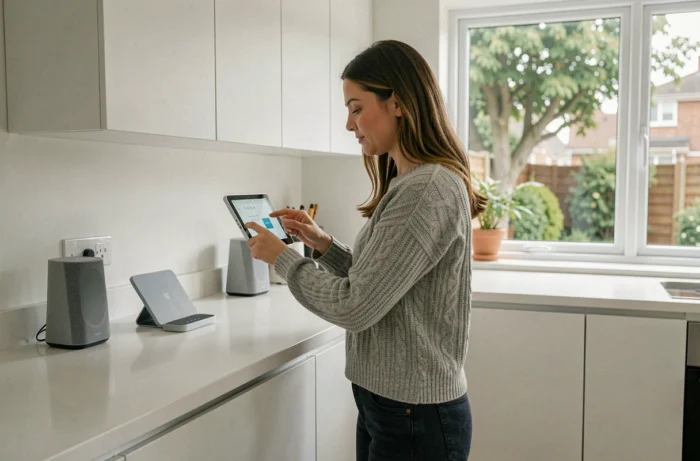
The French market for connected devices for the home is expanding every year, driven by new communication protocols and a tightening European regulatory framework. Since August 1, 2025, certain cybersecurity requirements stemming from the Radio Equipment Directive apply to categories of connected devices sold in the European Union. Transforming your home into a connected house also involves dealing with issues of compatibility, software security, and hardware obsolescence.
Home Automation Protocols: What Matter and Thread Change (and Don’t Change)
Most guides recommend choosing between Zigbee, Wi-Fi, or Z-Wave. The arrival of Matter and Thread reshapes this landscape, but not in the way one might expect.
Matter concerns device interoperability, while Thread is a low-power mesh networking protocol. The two address distinct issues. A device labeled “Matter” on the packaging does not guarantee a seamless experience across all brands for every desired function.
Before purchasing a thermostat, a bulb, or a sensor, check compatibility function by function, not just the presence of the logo. A Matter motion detector from manufacturer A may not trigger a scenario correctly on the home automation hub of manufacturer B, even if both adhere to the same standard. User feedback on specialized forums shows that the promised unification remains partial.
To explore different approaches to centralized control, the connected home according to Domotica details possible architectures and their respective limitations.
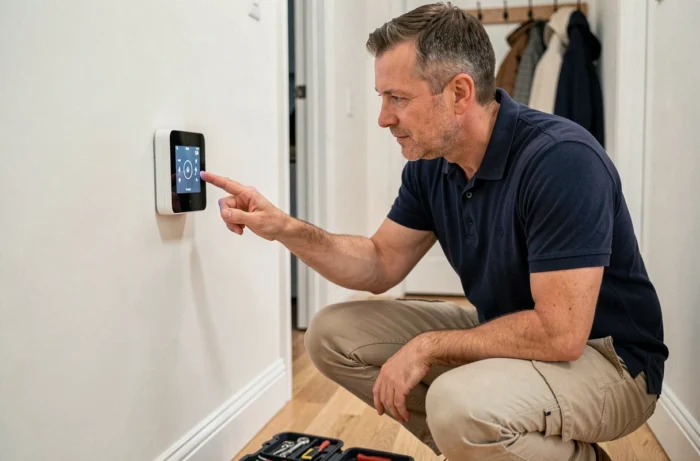
Cybersecurity of Connected Devices: An Often Overlooked Angle in Home Automation Projects
Installing connected shutters, a remotely controlled heating system, or security cameras means multiplying network entry points in your home. ANSSI recommends changing default credentials, applying firmware updates, and segmenting the home network.
A connected device depends on the software support from its manufacturer. When a manufacturer stops providing patches, a known vulnerability may remain unresolved. This risk of software obsolescence is rarely mentioned at the time of purchase.
Checking the update policy before choosing a home automation device becomes as relevant a criterion as price or features. A manufacturer that commits to several years of software support offers a concrete guarantee that the product will remain secure over time.
Checklist Before Purchasing a Connected Device
- Announced duration of software support and frequency of firmware updates on existing products from the manufacturer
- Possibility of local operation (without cloud) in case of online service shutdown, to prevent a device from becoming unusable
- Compliance with the requirements of the European Radio Equipment Directive, applicable since August 2025 for certain categories
- Presence of encryption for communications between the device, the home automation hub, and the mobile application
Choosing Your First Connected Devices: Where to Start Without Replacing Everything
A common mistake is wanting to connect everything at once. A home automation project benefits from starting with one or two priority uses and then gradually expanding.
Connected heating and smart lighting offer the most noticeable results in daily life. A zone-controlled thermostatic head allows for temperature adjustments room by room, without manual intervention. Connected bulbs programmed according to the time of day significantly change the ambiance of a home.
Motorized roller shutters represent a logical second step. Coupled with a light sensor or a timer, they contribute to the passive thermal regulation of the home. Remote control from a smartphone adds a security use: simulating presence during prolonged absences.
Centralize or Decentralize: A Structuring Choice
Two approaches coexist. The centralized architecture relies on a single home automation hub that orchestrates all devices. It provides an overview and facilitates the creation of complex scenarios (closing the shutters when the outside temperature exceeds a threshold, for example).
The decentralized approach operates without a central hub: each device communicates directly via Wi-Fi or Bluetooth with a dedicated application. Easier to set up, it shows its limits as the number of devices increases. Managing five different applications for five devices ultimately negates the expected comfort gain.
Budget and Obsolescence: The Hidden Costs of a Connected Home
The purchase price of equipment represents only part of the actual cost. Cloud subscriptions, replacing obsolete devices, and upgrading the home automation hub weigh on the budget in the medium term.
Some manufacturers condition access to advanced functions (consumption history, detailed security alerts) on a monthly subscription. Others stop supporting a product after a few years, necessitating its replacement even while it still physically works.
- Favor equipment compatible with open standards (Matter, Zigbee) to limit dependence on a proprietary ecosystem
- Anticipate the cost of cloud subscriptions over three to five years before comparing offers
- Check if the device retains its basic functions in local mode, without internet connection
Transforming a home into a connected house does not have a universal configuration. The choice of protocols, the manufacturer’s security policy, and the business model (one-time purchase or subscription) condition both the success of the project and the features displayed on the product sheet. A connected device that no longer receives updates becomes a weak link, regardless of its initial price.